Frontend Architecture: Streaming SSR in Next.js
The All-or-Nothing Rendering Bottleneck
Server-Side Rendering (SSR) is hailed as the ultimate solution for frontend SEO and performance, but traditional SSR harbors a massive, hidden architectural bottleneck. In standard Next.js Page Router architecture (or traditional monolithic frameworks), SSR operates on an "All-or-Nothing" paradigm.
Imagine an enterprise analytics dashboard. The header, navigation bar, and user profile take 50 milliseconds to fetch from the database. However, the complex "Annual Revenue Aggregation Chart" at the bottom of the page takes a grueling 3 seconds to calculate. Under traditional SSR, the Node.js server cannot send any HTML to the browser until the entire 3-second chart query finishes.
For 3 full seconds, the user stares at a completely blank white screen. The browser's Time to First Byte (TTFB) and First Contentful Paint (FCP) metrics are destroyed. The user perceives the application as broken, even though 90% of the data was ready instantly.
At Smart Tech Devs, we engineer interfaces that respond instantaneously, regardless of how slow the backend database is. We eradicate the SSR bottleneck by architecting Streaming Server-Side Rendering via React Suspense and the Next.js App Router.
The Philosophy of HTTP Streaming
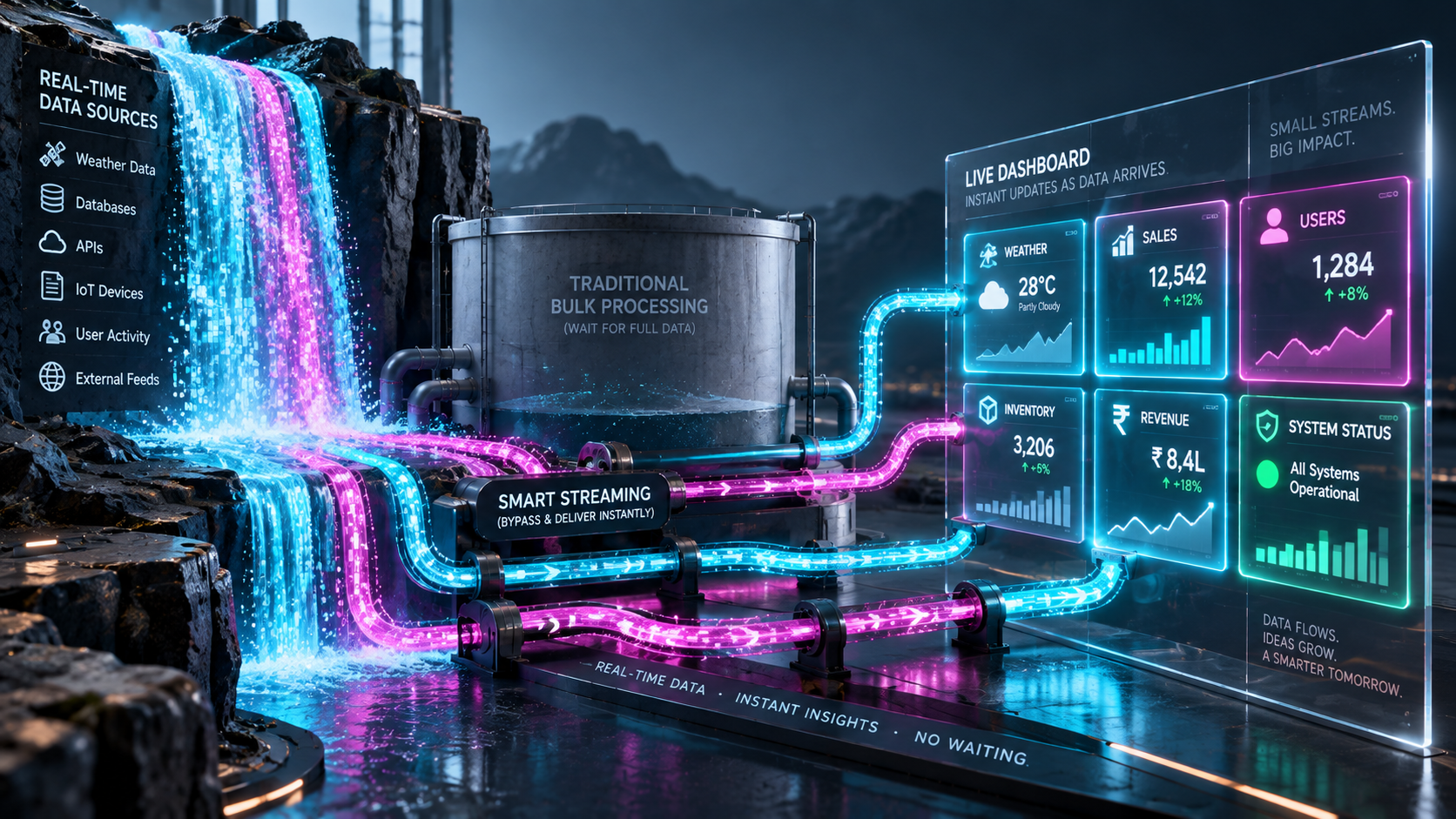
Streaming SSR breaks the HTTP protocol's traditional request/response cycle using Transfer-Encoding: chunked. Instead of waiting for the entire page to render on the server, Next.js instantly flushes the HTML for the fast components (the navbar, the layout shell, the static text) down the TCP pipeline to the browser.
The browser renders this layout instantly, presenting a complete UI with specialized skeleton loaders where the slow data will eventually appear. Meanwhile, the HTTP connection remains open. When the slow 3-second database query finally resolves on the server, Next.js streams the HTML for that specific chart down the same open connection, seamlessly injecting it into the DOM replacing the skeleton. The user is engaged immediately, radically improving psychological perceived performance.
Phase 1: Architecting the Suspense Boundaries
To implement streaming, we must isolate our slow data-fetching logic into distinct, asynchronous React Server Components (RSCs). Then, we wrap those specific components in React <Suspense> boundaries.
First, we architect the slow data component:
// app/components/RevenueChart.tsx
import { db } from '@/lib/db';

export default async function RevenueChart() {
    // 1. Simulate a massive, 3-second database aggregation
    // Because this is a Server Component, it blocks its own render,
    // but thanks to Suspense, it will NOT block the rest of the page.
    await new Promise(resolve => setTimeout(resolve, 3000));

    const revenueData = await db.query('SELECT sum(amount) FROM massive_ledger');

    return (
        <div className="p-6 bg-white rounded-xl shadow-lg border border-gray-200">
            <h3 className="text-xl font-bold mb-4">Annual Revenue Aggregation</h3>
            <div className="h-64 bg-green-50 flex items-center justify-center text-green-800 font-mono text-2xl rounded">
                ${revenueData.total.toLocaleString()}
            </div>
        </div>
    );
}
Phase 2: Building the Streaming Dashboard Shell
Now we construct the main page layout. We fetch the fast data directly, but we explicitly wrap our slow RevenueChart component in a Suspense boundary, providing a highly polished fallback skeleton.
// app/dashboard/page.tsx
import { Suspense } from 'react';
import RevenueChart from '@/app/components/RevenueChart';
import FastProfileWidget from '@/app/components/FastProfileWidget';
import RevenueSkeleton from '@/app/components/RevenueSkeleton';

export default async function DashboardPage() {
    // 1. This fast query resolves in 50ms.
    // Next.js will wait for this, then instantly flush the HTML to the browser.
    const userProfile = await fetchFastProfileData();

    return (
        <main className="min-h-screen bg-gray-50 p-8">
            <header className="mb-12 flex justify-between items-center">
                <h1 className="text-3xl font-bold text-gray-900">Enterprise Overview</h1>

                {/* 2. Rendered instantly on the server and flushed to the client */}
                <FastProfileWidget user={userProfile} />
            </header>

            <div className="grid grid-cols-1 lg:grid-cols-2 gap-8">

                {/* 3. The React Suspense Boundary */}
                {/* The browser will instantly render the .
                    Three seconds later, the server will stream the finished
                    down the wire and automatically replace the skeleton without JS hydration overhead! */}
                <Suspense fallback={<RevenueSkeleton />}>
                    <RevenueChart />
                </Suspense>

                <Suspense fallback={<div className="animate-pulse bg-gray-200 h-64 rounded-xl"></div>}>
                    <AnotherSlowWidget />
                </Suspense>
            </div>
        </main>
    );
}
Phase 3: The Loading Skeleton Architecture
For streaming to feel premium, the fallback skeleton must perfectly match the geometric dimensions of the final component. If the skeleton is 100px tall and the final chart is 400px tall, the layout will violently jump when the stream completes, causing Cumulative Layout Shift (CLS).
// app/components/RevenueSkeleton.tsx
export default function RevenueSkeleton() {
    return (
        <div className="p-6 bg-white rounded-xl shadow-sm border border-gray-100 animate-pulse">
            {/* Matching the exact geometry of the real component */}
            <div className="h-6 w-48 bg-gray-200 rounded mb-4"></div>
            <div className="h-64 bg-gray-100 rounded flex items-center justify-center">
                <div className="flex gap-2 items-center">
                    <div className="w-3 h-3 bg-blue-400 rounded-full animate-bounce"></div>
                    <div className="w-3 h-3 bg-blue-400 rounded-full animate-bounce" style={{ animationDelay: '0.1s' }}></div>
                    <div className="w-3 h-3 bg-blue-400 rounded-full animate-bounce" style={{ animationDelay: '0.2s' }}></div>
                </div>
            </div>
        </div>
    );
}
The Engineering ROI and Parallel Processing
Implementing Streaming SSR with React Suspense completely revolutionizes enterprise frontend architecture. You mathematically decouple your Time to First Byte (TTFB) from your slowest backend database queries.
Furthermore, this architecture natively unlocks Parallel Data Fetching. Because each slow widget is wrapped in its own Suspense boundary, their respective database queries are executed concurrently on the Node.js server. If you have three widgets that take 2 seconds, 3 seconds, and 4 seconds respectively, the entire dashboard resolves in exactly 4 seconds, popping into view sequentially, rather than stacking sequentially into a 9-second load time. By mastering Suspense, you deliver unshakeable frontend performance that visually masks heavy backend processing, resulting in absolute premium user experiences.