Frontend Architecture: Streaming LLM Responses in Next.js
The "Time to First Token" Bottleneck
Integrating Large Language Models (LLMs) into modern web applications presents a unique, unavoidable architectural challenge: LLMs are slow. When you send a complex query to GPT-4, it does not calculate the entire response instantly. It generates the response sequentially, predicting and outputting one token (a word or piece of a word) at a time.
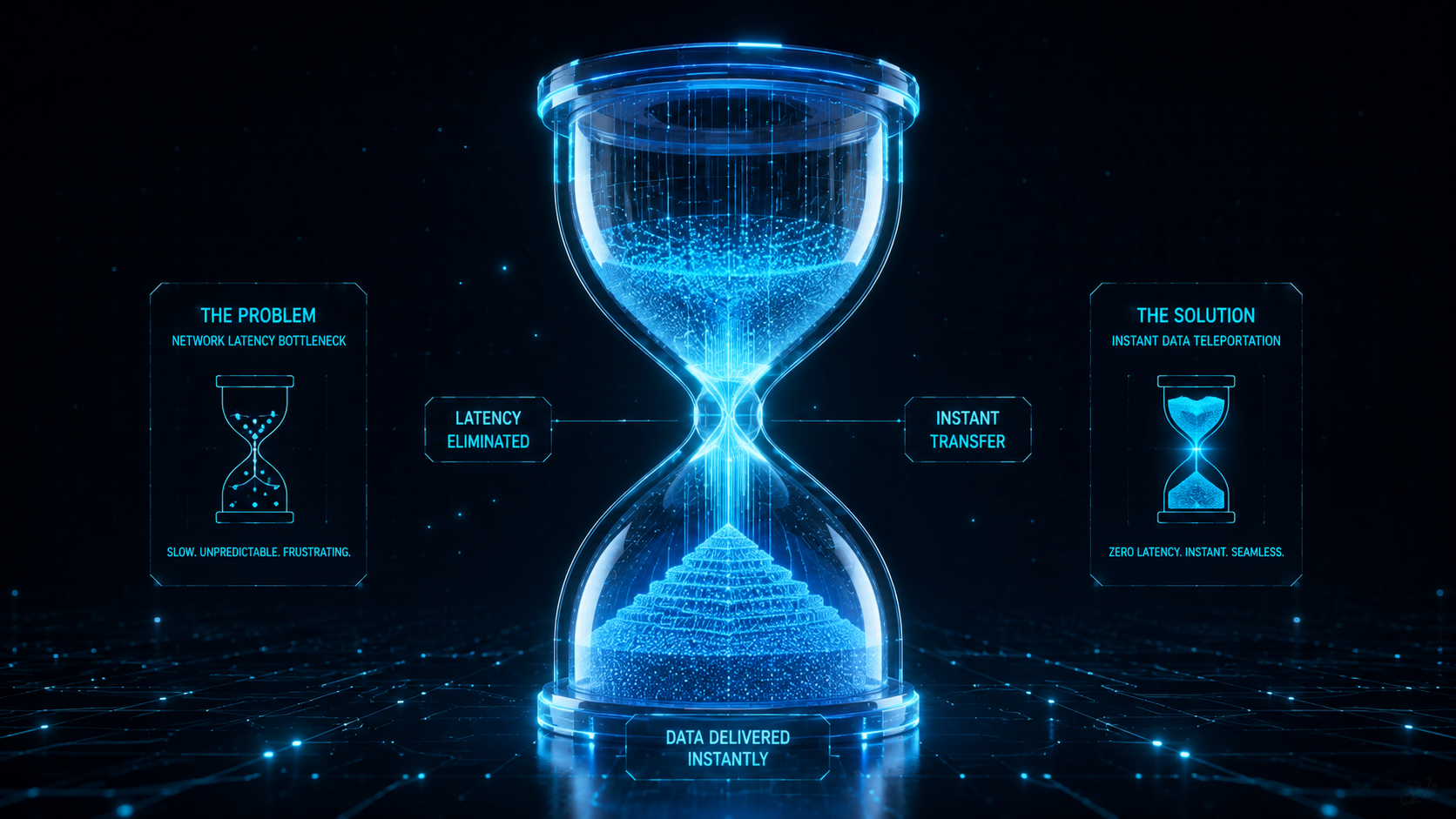
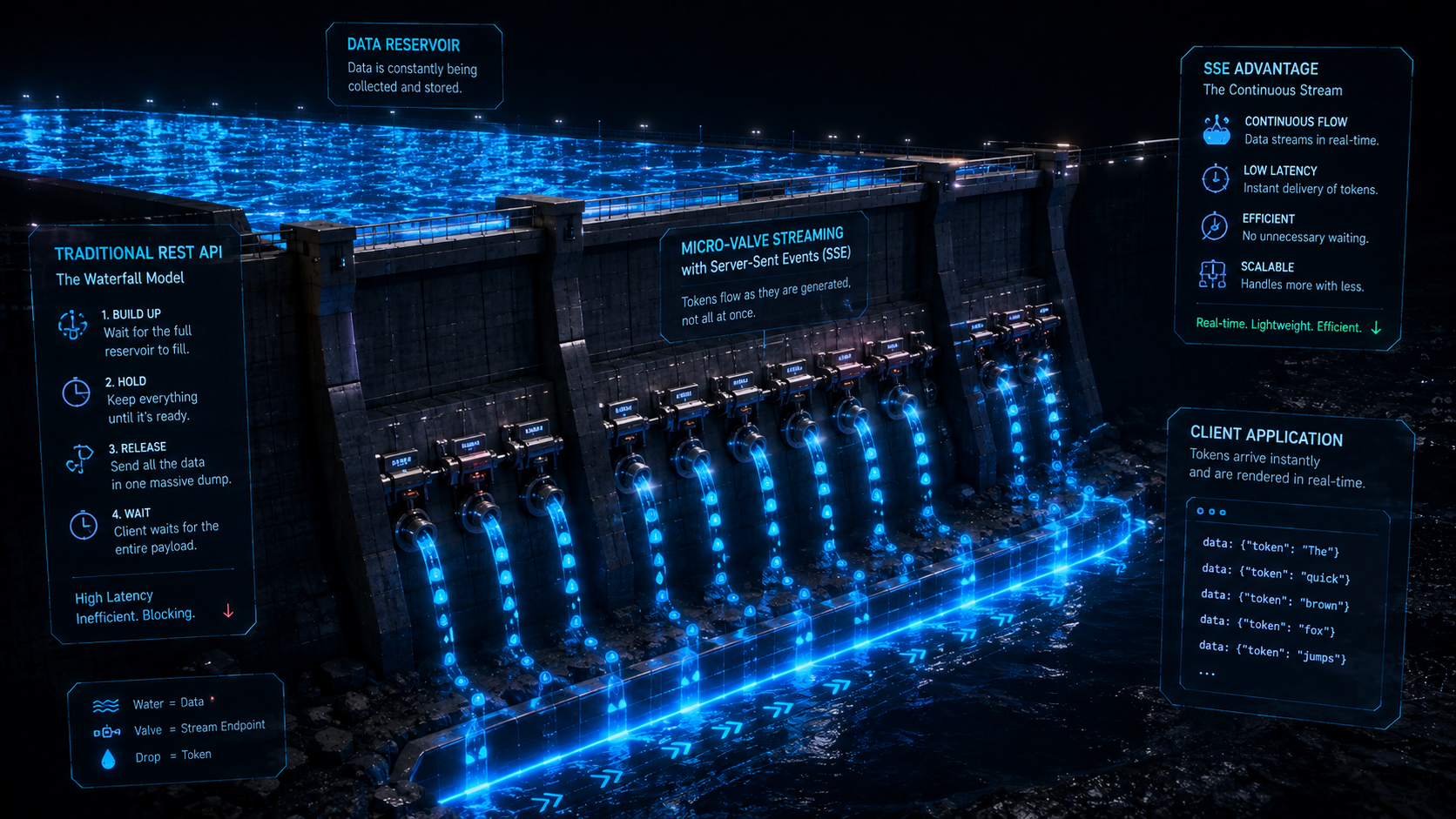
If you build an AI chat interface using standard REST API architecture (waiting for the HTTP request to finish completely before returning the JSON), your users will suffer. A 500-word AI response can take 15 to 20 seconds to generate. For 20 seconds, your user is staring at a spinning loading wheel. Furthermore, if you are hosting your Next.js application on a serverless platform like Vercel, serverless functions typically have a strict execution timeout (often 10 seconds). Your heavy AI request will exceed this timeout, resulting in a fatal 504 Gateway Timeout error, completely breaking your application.
At Smart Tech Devs, we engineer AI interfaces that feel magical and instantaneous. We bypass server timeouts and eliminate loading spinners entirely by architecting Streaming LLM Responses using the Next.js App Router and the Vercel AI SDK, optimizing heavily for the Time to First Token (TTFT) metric.
The Philosophy of HTTP Streaming
Instead of waiting for the entire payload, streaming leverages standard HTTP to keep the connection open. As soon as OpenAI generates the very first word, our Next.js backend intercepts it and pushes it down the open pipeline to the browser. The browser renders that word immediately. The user begins reading the sentence while the rest of the paragraph is still being calculated on OpenAI's servers.
To achieve maximum performance, we utilize the Edge Runtime. By running our streaming Route Handlers at the CDN Edge (rather than in a heavy Node.js environment), we eliminate cold boot times and bypass standard serverless execution timeouts entirely.
Phase 1: Architecting the Edge Route Handler
We rely on the incredibly robust ai package (Vercel AI SDK). We create an API route that connects to OpenAI, requests a streaming response, and pipes that stream directly back to the client.
// app/api/chat/route.ts
import { OpenAIStream, StreamingTextResponse } from 'ai';
import Configuration from 'openai';

// 1. Force this route to run on the V8 Edge Runtime for zero cold-starts
// and to bypass the standard 10-second serverless timeout.
export const runtime = 'edge';

const openai = new Configuration({
  apiKey: process.env.OPENAI_API_KEY!,
});

export async function POST(req: Request) {
    // Extract the conversation history from the client
    const { messages } = await req.json();

    // 2. Request a streaming response from OpenAI
    const response = await openai.chat.completions.create({
        model: 'gpt-4o',
        stream: true, // CRITICAL: Tell OpenAI to stream the tokens
        messages,
        temperature: 0.7,
    });

    // 3. Convert the raw OpenAI stream into a standardized Web Stream
    const stream = OpenAIStream(response);

    // 4. Return the stream to the client using a specialized HTTP Response
    // that keeps the connection open and flushes chunks immediately.
    return new StreamingTextResponse(stream);
}
Phase 2: Consuming the Stream in the Client UI
The true brilliance of this architecture is how effortlessly the client consumes the stream. In traditional React, managing an open EventSource connection, appending tokens to an array, and managing the loading state is a nightmare of useEffect boilerplate.
The AI SDK provides a useChat hook that abstracts all of this complexity. It automatically manages the message history, handles the streaming fetch request, and triggers hyper-fast UI re-renders as new tokens arrive.
// app/chat/page.tsx
'use client';

import { useChat } from 'ai/react';
import { useEffect, useRef } from 'react';

export default function EnterpriseChatInterface() {
    // 1. The useChat hook automatically connects to /api/chat
    const { messages, input, handleInputChange, handleSubmit, isLoading } = useChat();

    // Auto-scrolling logic for the chat window
    const messagesEndRef = useRef(null);
    useEffect(() => {
        messagesEndRef.current?.scrollIntoView({ behavior: 'smooth' });
    }, [messages]);

    return (
        <div className="flex flex-col h-screen max-w-3xl mx-auto p-4 bg-gray-50">

            <div className="flex-1 overflow-y-auto space-y-6 p-4">
                {messages.map((m) => (
                    <div
                        key={m.id}
                        className={`p-4 rounded-lg shadow-sm ${m.role === 'user' ? 'bg-blue-600 text-white ml-12' : 'bg-white border mr-12'}`}
                    >
                        <strong className="block text-xs uppercase opacity-70 mb-1">
                            {m.role === 'user' ? 'You' : 'AI Assistant'}
                        </strong>

                        {/* 2. As tokens stream in, m.content updates in real-time.
                            In a production app, wrap this in react-markdown! */}
                        <p className="whitespace-pre-wrap">{m.content}</p>
                    </div>
                ))}
                <div ref={messagesEndRef} />
            </div>

            <form onSubmit={handleSubmit} className="mt-4 flex gap-2">
                <input
                    value={input}
                    onChange={handleInputChange}
                    placeholder="Ask the enterprise assistant..."
                    className="flex-1 p-3 border rounded-xl shadow-sm focus:ring-2 focus:ring-blue-500"
                />
                <button
                    type="submit"
                    disabled={isLoading || !input}
                    className="px-6 py-3 bg-blue-900 text-white font-bold rounded-xl disabled:opacity-50"
                >
                    Send
                </button>
            </form>
        </div>
    );
}
The Engineering ROI and User Experience
Architecting streaming LLM pipelines is mandatory for modern AI applications. By leveraging the Edge Runtime and HTTP streaming, you completely eradicate the 504 Gateway Timeout errors that plague serverless AI deployments. Furthermore, you fundamentally manipulate human perception regarding performance. Even if a full response takes 15 seconds to generate, the user's "Time to First Token" drops to roughly 400 milliseconds. Because the screen instantly lights up with data and animates as the AI "types," the application feels blazingly fast, highly responsive, and deeply engaging, delivering an enterprise-grade UX that traditional REST APIs simply cannot match.