Frontend Architecture: Server-Driven UI (SDUI) in Next.js

The Deployment Bottleneck
In traditional frontend architecture, the UI layout is strictly hardcoded into the React components. If the marketing team wants to move the "Hero Banner" component above the "Testimonial Carousel" on the homepage, a frontend engineer must open the codebase, move the React tags, open a pull request, wait for CI/CD pipelines to build, and deploy the application to Vercel.
For rapidly iterating enterprise platforms—like e-commerce storefronts, dynamic dashboards, or content-heavy portals—tying UI layout changes to engineering deployments is a massive bottleneck. Marketing teams and product managers require the agility to reorganize layouts, run A/B tests, and inject promotional banners in real-time without relying on engineering.
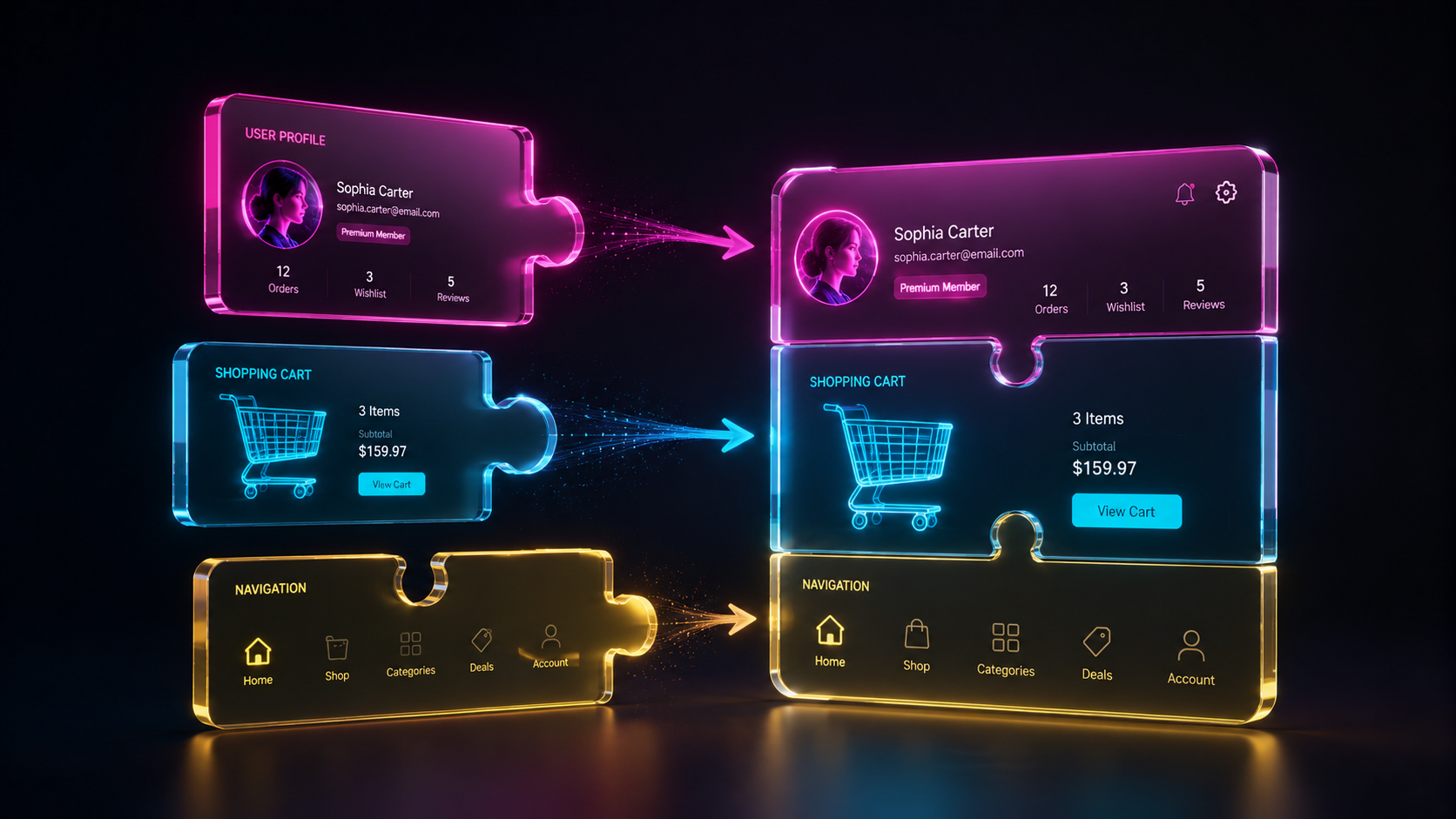
At Smart Tech Devs, we untangle the layout from the frontend repository by implementing Server-Driven UI (SDUI). In this architecture, the Next.js frontend acts strictly as a "dumb renderer," while a backend API (or CMS) dictates exactly which components to display, what data they contain, and in what order they should appear on the screen.
The Philosophy of Server-Driven UI
In an SDUI architecture, your frontend repository maintains a highly structured Component Registry. The backend API does not return HTML; it returns a structured JSON payload detailing a tree of components. The Next.js page fetches this JSON, parses it, matches the string names to actual React components in its registry, and renders them dynamically.
Phase 1: Architecting the JSON Payload (Backend Contract)
First, we define a strict contract between the backend and frontend. Every component must have a type and a props object.
// Example JSON payload received from the backend API (/api/pages/home)
{
  "page_id": "homepage",
  "layout": [
    {
      "type": "HeroBanner",
      "props": {
        "headline": "Next-Gen Software Architecture",
        "ctaText": "Get Started",
        "theme": "dark"
      }
    },
    {
      "type": "StatsGrid",
      "props": {
        "metrics": [
            { "label": "Uptime", "value": "99.99%" },
            { "label": "Deployments", "value": "Zero-Downtime" }
        ]
      }
    },
    {
      "type": "TestimonialCarousel",
      "props": {
        "customerIds": ["101", "102"]
      }
    }
  ]
}
Phase 2: Building the Component Registry
On the Next.js side, we must create a mapping system. This registry tells React which physical file corresponds to the type string provided by the backend.
// components/registry.ts
import dynamic from 'next/dynamic';

// We use Next.js Dynamic Imports to ensure that we only download the JavaScript
// for the components that are ACTUALLY requested by the backend payload.
export const ComponentRegistry: Record> = {
    HeroBanner: dynamic(() => import('./blocks/HeroBanner')),
    StatsGrid: dynamic(() => import('./blocks/StatsGrid')),
    TestimonialCarousel: dynamic(() => import('./blocks/TestimonialCarousel')),
    // If the backend requests a component that doesn't exist, fallback gracefully
    Fallback: dynamic(() => import('./blocks/FallbackError'))
};
Phase 3: The Dynamic Rendering Engine
Now, we build the core page that iterates through the backend JSON and renders the UI dynamically.
// app/dynamic-page/page.tsx
import { ComponentRegistry } from '@/components/registry';

// 1. Fetch the layout structure from our backend API
async function fetchPageLayout() {
    const res = await fetch('https://api.smarttechdevs.in/v1/pages/home', {
        // Revalidate the layout every 60 seconds (ISR)
        next: { revalidate: 60 }
    });
    return res.json();
}

export default async function DynamicPage() {
    const pageData = await fetchPageLayout();

    return (
        <main className="min-h-screen bg-white">
            {/* 2. Map over the backend payload array */}
            {pageData.layout.map((block: any, index: number) => {

                // 3. Resolve the string type to an actual React component
                const Component = ComponentRegistry[block.type] || ComponentRegistry['Fallback'];

                // 4. Render the component, spreading the backend props directly into it
                return (
                    <section key={`${block.type}-${index}`}>
                        <Component {...block.props} />
                    </section>
                );
            })}
        </main>
    );
}
The Engineering ROI and Instant A/B Testing
Adopting a Server-Driven UI architecture yields monumental returns in operational agility. By decoupling the page layout from your Git repository, your product and marketing teams can instantly launch new landing pages, rearrange components to run A/B tests, and schedule promotional banners for midnight holiday sales—all via a backend dashboard or CMS, without a single engineer lifting a finger.
Furthermore, because we paired SDUI with Next.js dynamic imports, the frontend bundle size remains mathematically perfect. The browser only downloads the JavaScript required for the specific blocks requested by the API payload on that exact page route, guaranteeing flawless Core Web Vitals and lightning-fast rendering speeds across your entire platform.